
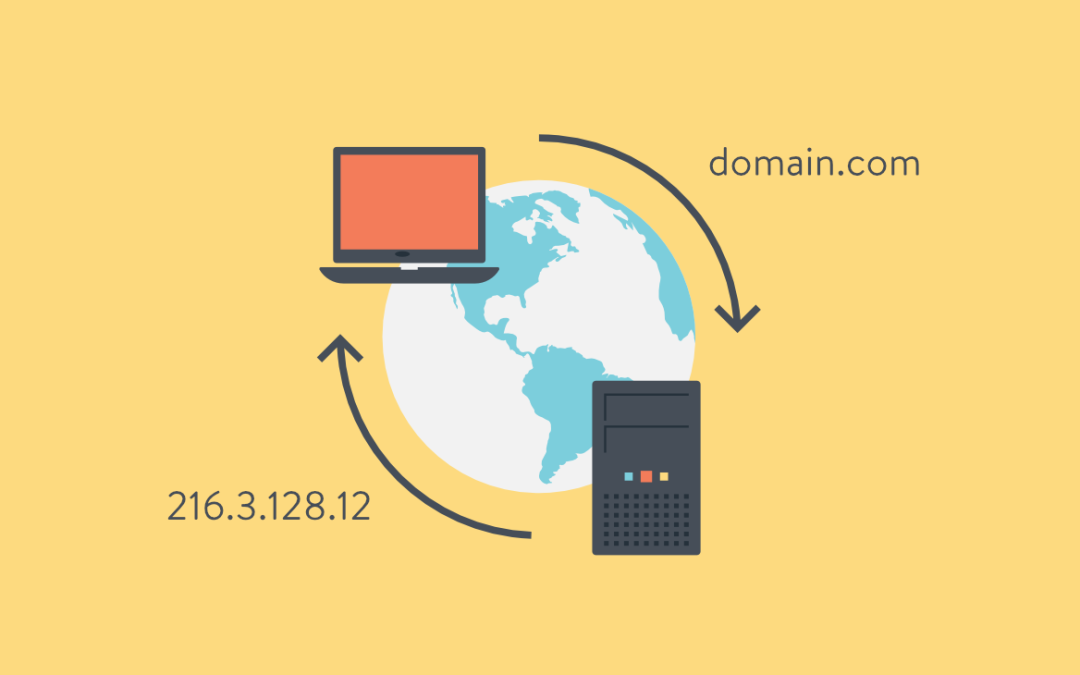
The internet is a vast network of interconnected devices and systems. To access this network, you need an address. Just like how your physical address is used to find your house, your device’s IP address is used to identify it on the internet. But what if you don’t remember the IP address of your favorite website? This is where the Domain Name System (DNS) comes in.
What is DNS?
DNS is a system that maps domain names (e.g. google.com) to IP addresses (e.g. 172.217.15.142). When you type a website address into your browser, your device contacts a DNS server to translate the domain name into an IP address. This way, you can access the website without having to remember the IP address.
How Does DNS Work?
When you enter a domain name into your browser, the request is sent to a DNS resolver. The resolver is responsible for finding the correct IP address for the domain name. If the resolver already has the IP address in its cache, it will return it to your device. If not, the resolver will send a request to a DNS server to find the IP address.
The DNS server will look for the IP address in its database and, if it’s found, will return it to the resolver. The resolver will then cache the IP address and return it to your device. Your device can now use the IP address to access the website.
Types of DNS Records
There are several types of DNS records that provide different functions, including:
- A (Address) record: Maps a domain name to an IP address
- MX (Mail Exchange) record: Specifies the mail server responsible for accepting email messages for a domain
- CNAME (Canonical Name) record: Maps an alias domain name to a primary domain name
- NS (Name Server) record: Specifies the name servers for a domain
- TXT (Text) record: Can be used to store text-based information, such as SPF information to help prevent email spoofing
Setting up a DNS Server
If you’re running a website, you’ll need to set up a DNS server to ensure that visitors can access your site using your domain name. To do this, you’ll need to register your domain name and choose a hosting provider. Your hosting provider will provide you with the necessary DNS records, which you can then configure on your DNS server.
Importance of DNS
DNS is an essential component of the internet and plays a critical role in ensuring that website visitors can access your site using your domain name. Without DNS, visitors would have to remember the IP address of your site, which is not only difficult but also impractical. Additionally, DNS provides an added layer of security by helping prevent against malicious activities, such as phishing and malware distribution.
Conclusion
DNS is a powerful system that maps domain names to IP addresses, making it easy for users to access websites without having to remember the IP address. With a basic understanding of DNS, you’ll be able to navigate the internet with ease and ensure that visitors to your website can access it using your domain name. Whether you’re a beginner or an experienced user, a strong understanding of DNS is essential for anyone who wants to make the most of the internet.
